

A Quick Guide to Replacing Your Tesla Model S Key Fob Battery effortlessly. Dive into this easy-to-follow 3 step tutorial to ensure easy access to your car.
Tools Needed:
- Flat head screw driver
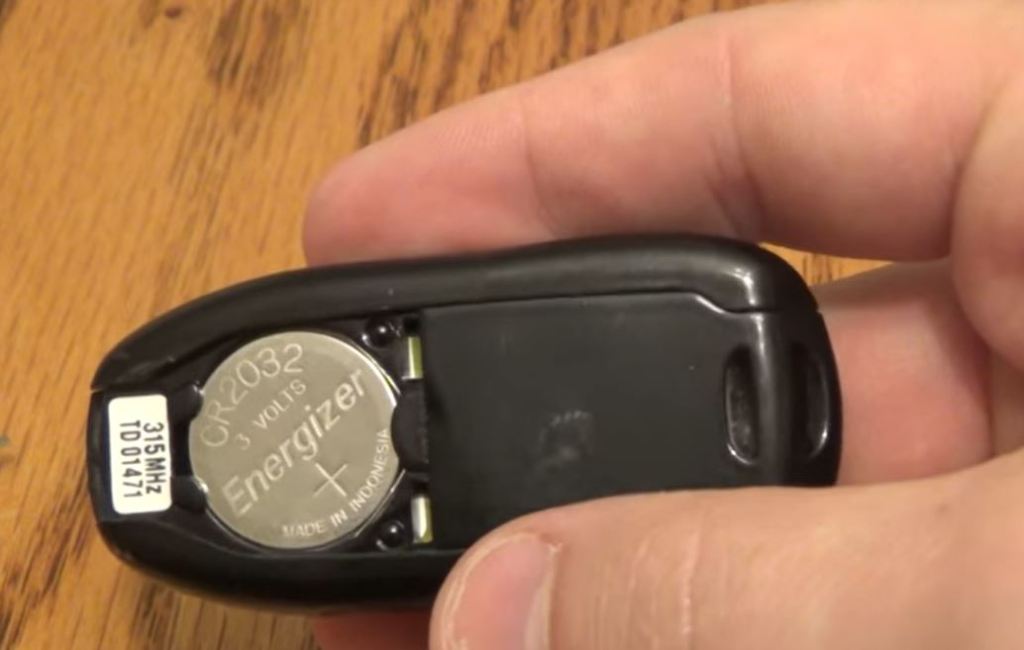
- CR2032 Battery
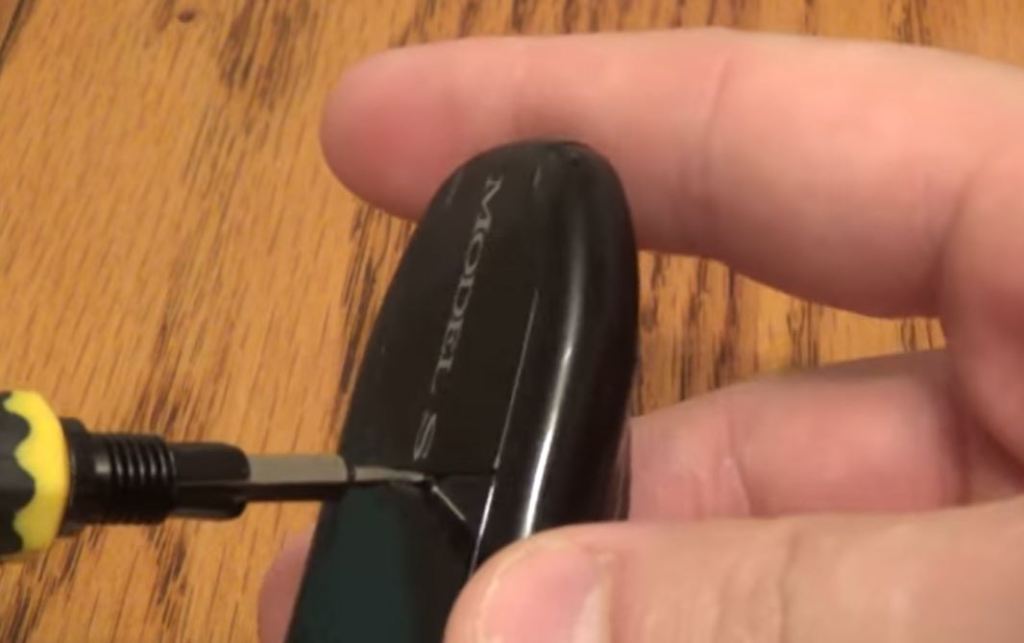
Step 1: With your screw driver, pop up the casing with the Model S writing on and slide it off the key fob.

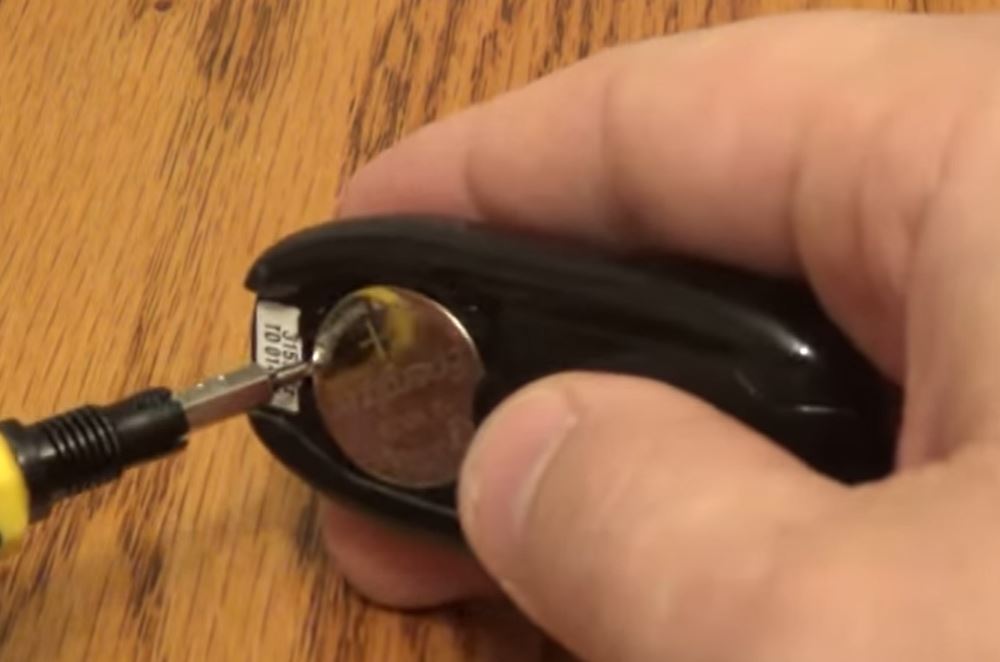
Step 2: Flick out the battery from the bottom and replace it with your new CR2032 battery.
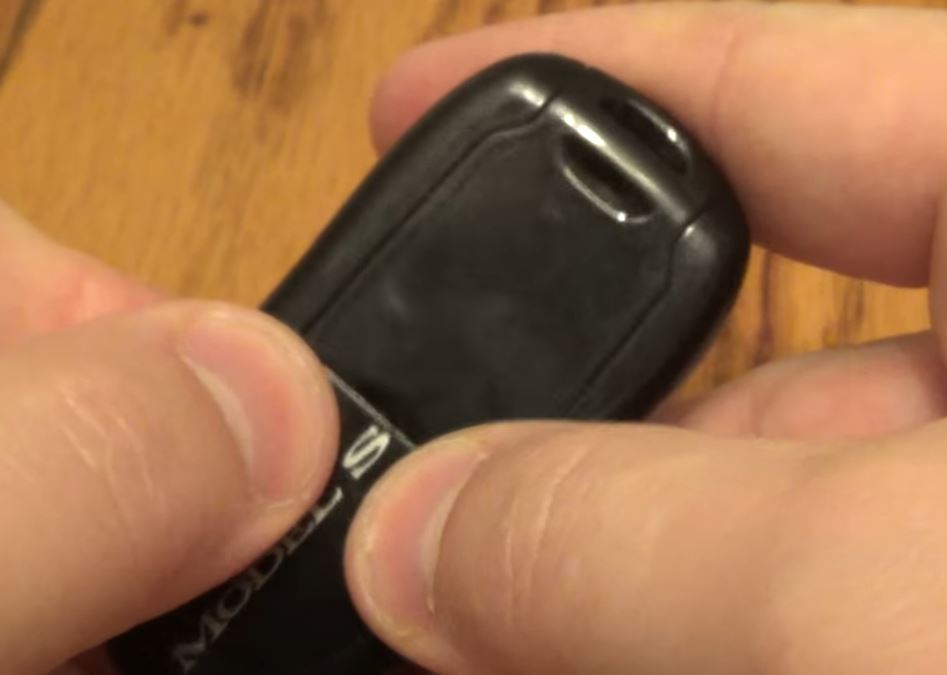
Step 3: Press in the curved edge first, then clip the rest into place and you’re done!

Watch the full battery replacement video
More How-to Guides


Subscribe
Enter your email below to receive updates.


 Automotive Roar
Leave a reply to EASY: Tesla Model S Key Fob Battery Change Cancel reply