

In this short guide we’ll show you how to easily change the tachometer skins for your Audi A3, S3 or RS3 virtual cockpit.
Please note, all options displayed below may be limited on base and s-line models.
Step 1: Locate the ‘settings’ option on your center console.
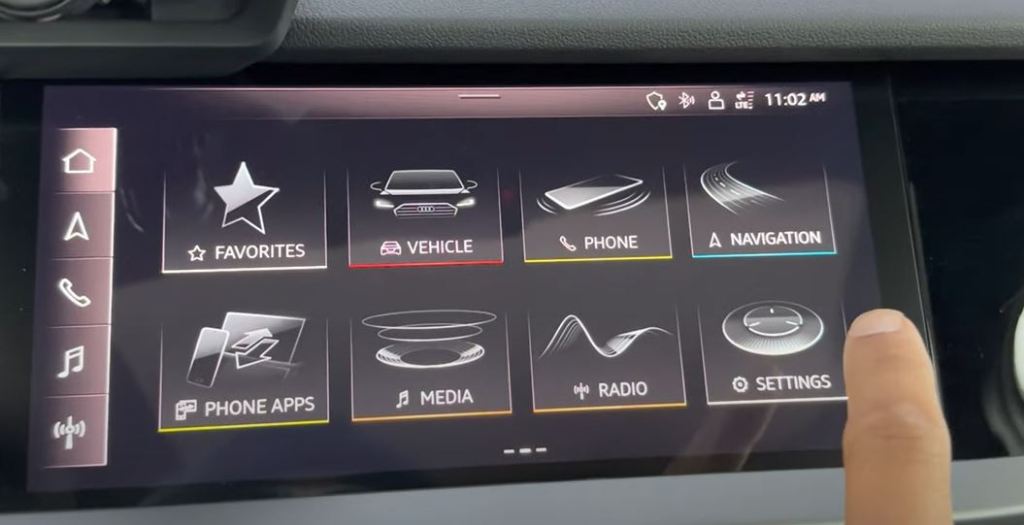
Step 2: Select ‘Display & Brightness’.

Step 3: Select ‘Audi Virtual Cockpit’.

Step 4: Select from the 3 different configurations: Sport, performance and dynamic. After selecting your preference, you will be presented with a popup to confirm your selection.


Full Video Tutorial


 Automotive Roar
Leave a comment