

TPMS warning light won’t go off? Here’s how to easily reset the tyre pressure warning light on a Peugeot 208 (2012-2019) yourself. There are 2 ways to reset the light depending on which year 208 you have. However, before doing this procedure, please ensure you have set your tyre pressures to the correct PSI.
Tools needed:
Reset from the center console screen
Step 1: Turn on the ignition
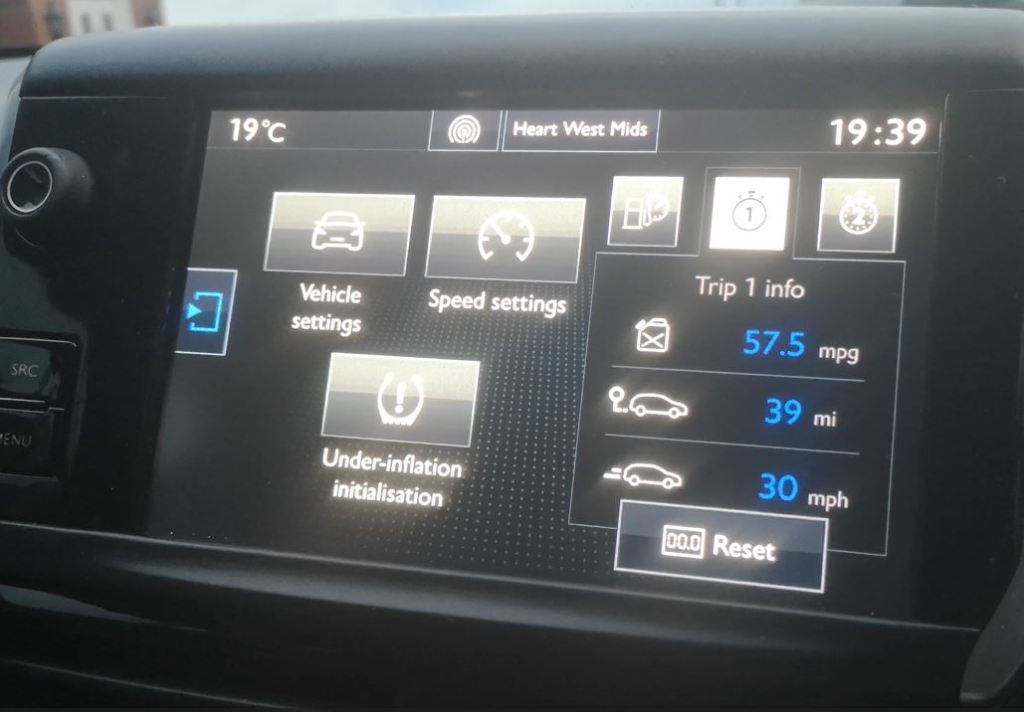
Step 2: Within the ‘Driving‘ category select ‘Under-inflation initialisation‘
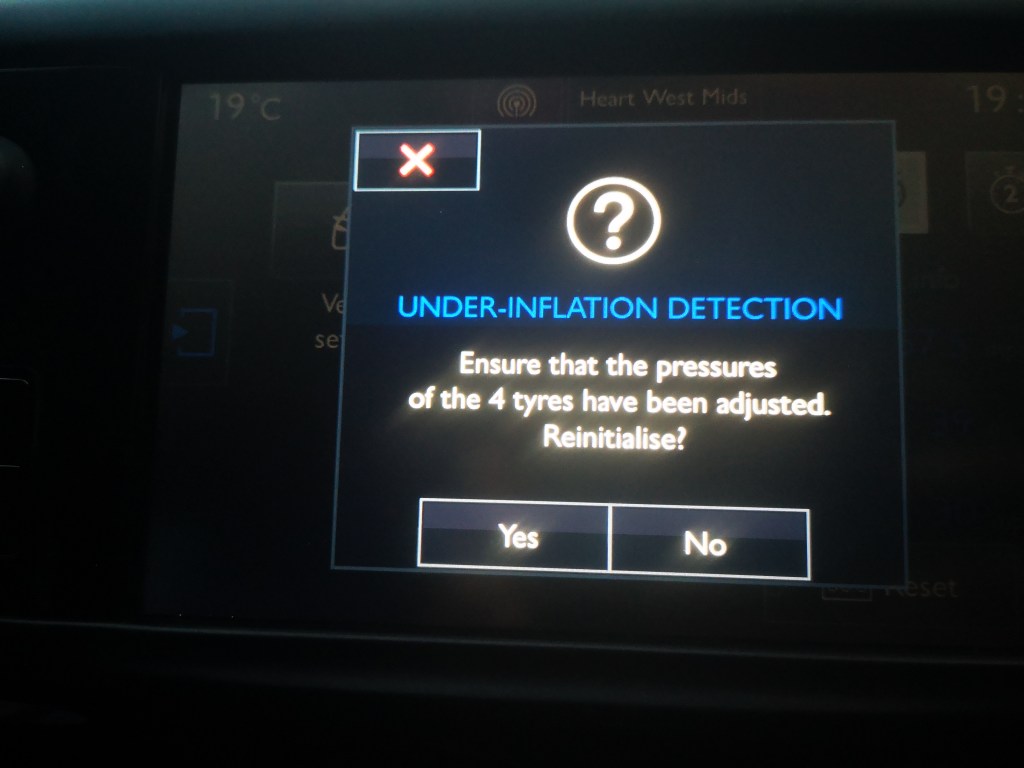
Step 3: An under-inflation detection message will pop up that says ‘Ensure that the pressures of the 4 tyres have been adjusted. Reinitialise?‘. Select yes if you have done this.
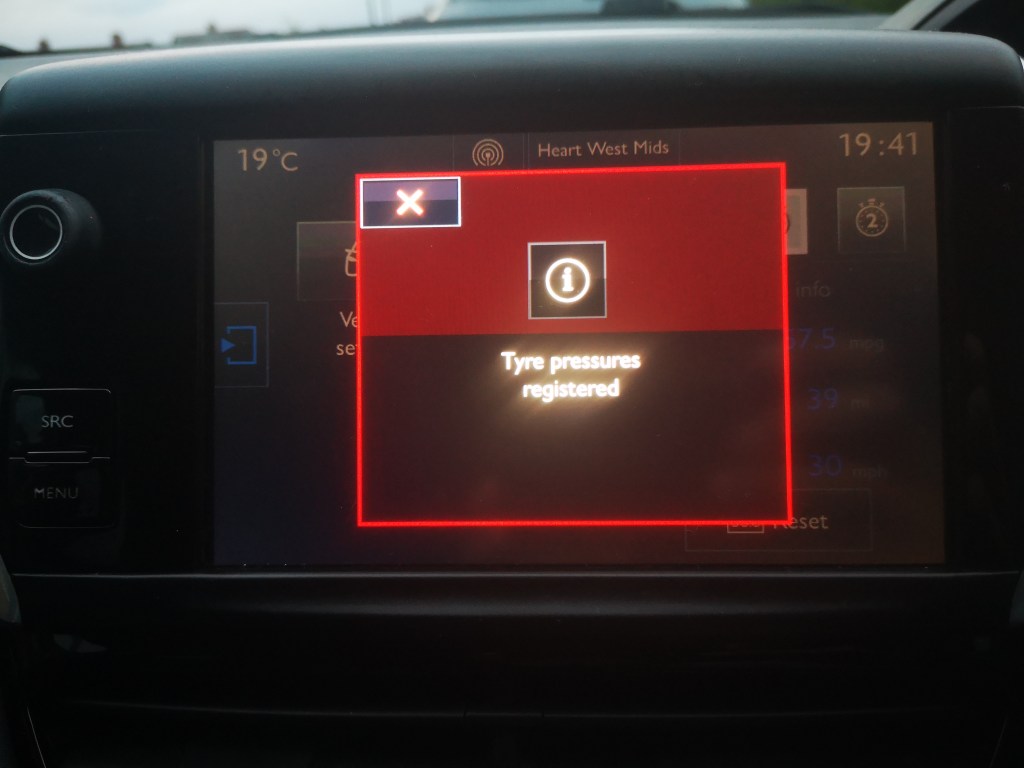
Step 4: You will then have another pop up confirming your selection ‘Tyre Pressures Registered‘.
Reset with button
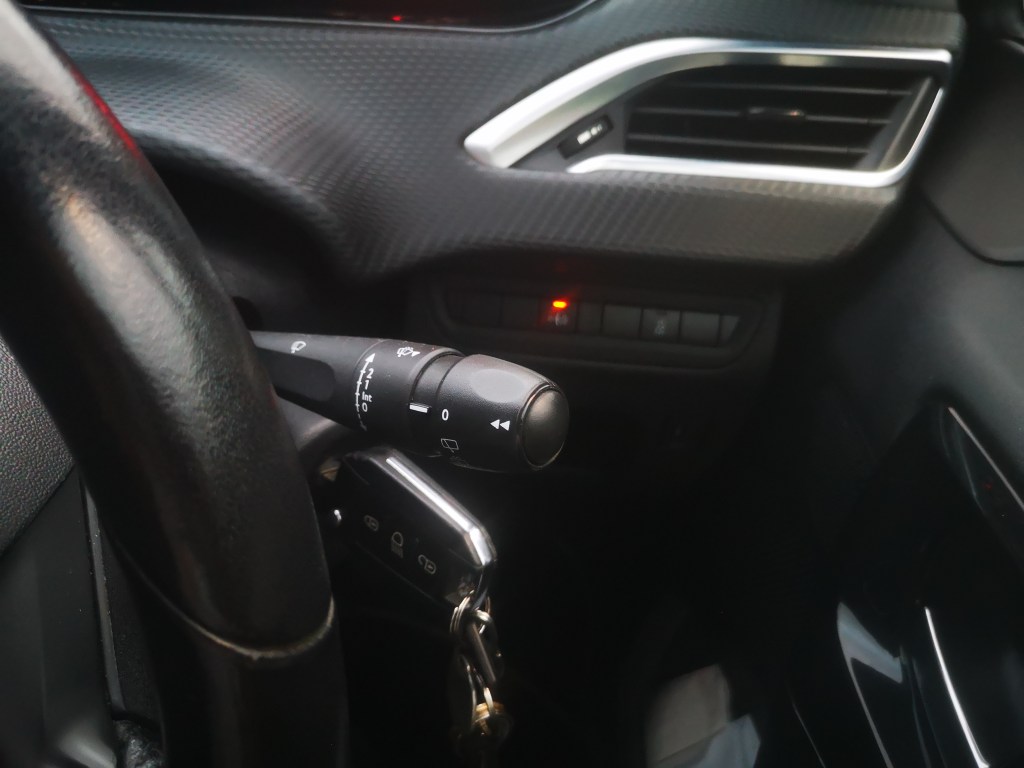
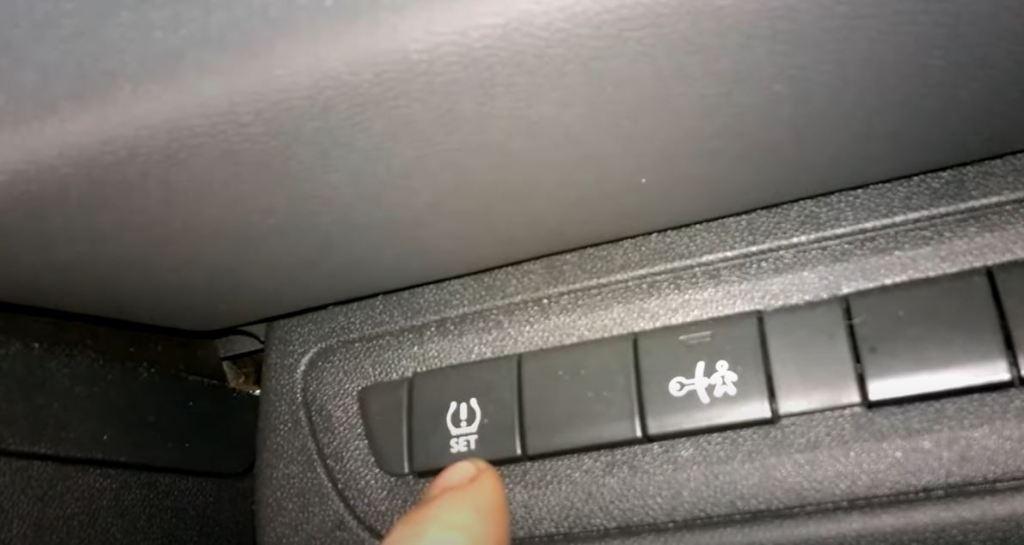
Certain models have a reset button located on a panel behind the steering wheel, next to the drivers door. Simply hold that button in until you hear a beep, and that will reset the light on your dash.
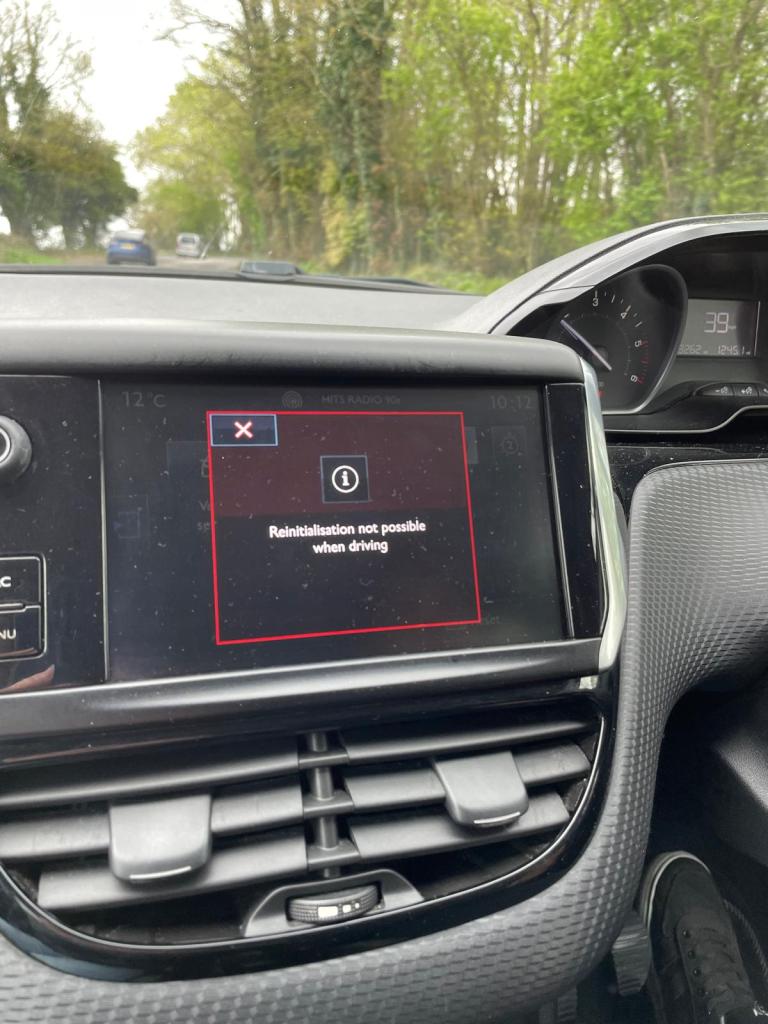
Please note, attempting to reset your tyre pressure whilst driving will not work. A pop-up message will display saying ‘reinitialisation not possible when driving‘.


 Automotive Roar
Leave a comment