
How to easily reset your TPMS (Tyre Pressure Monitoring System) on your Audi TT MK3 in 7 steps.
Tools needed:
Step 1: Select the ‘Menu‘ button on your centre console.

Step 2: Using your circular scroll, select ‘Car‘ on the menu of your virtual cockpit.
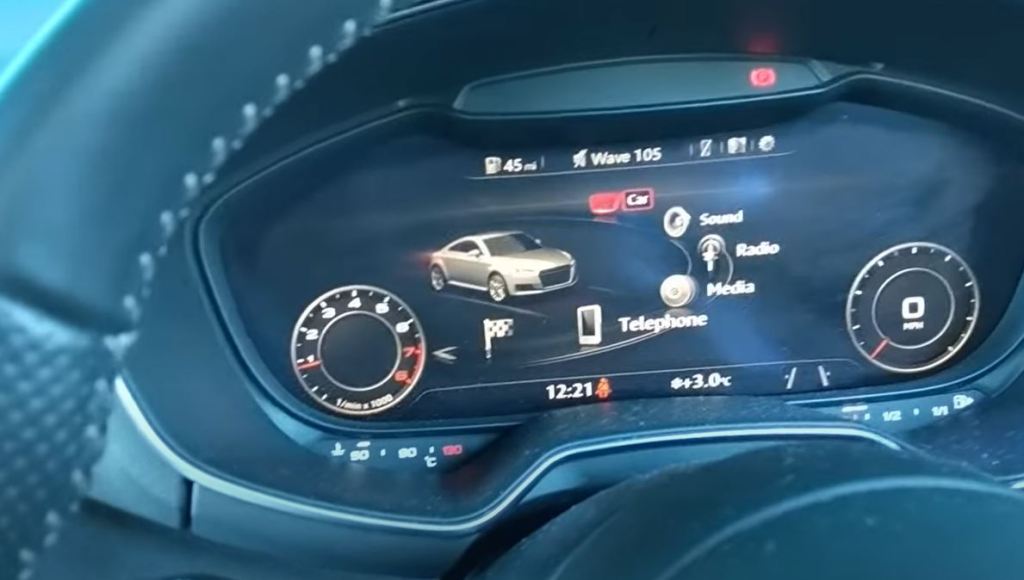
Step 3: Select the button on the left hand side of the scroller.
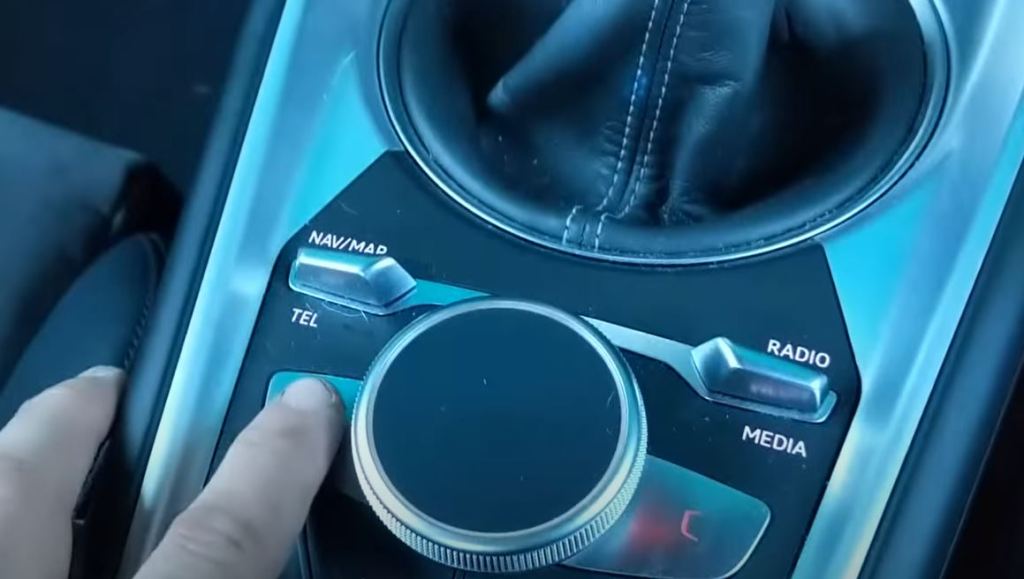
Step 4: Scroll down and select ‘Service‘.

Step 5: Select ‘Tyre press. loss indicator‘.

Step 6: Select ‘Store Tyre Pressures‘.

Step 7: Select ‘Yes, store now‘ if all 4 tyres correspond to the required values.

Watch the full video
Note: Please ensure your tyre pressures are set to the correct PSI before resetting this light.
Audi TT (8S) Tyre Pressure Chart
| Tyre Size | Load Condition | Front (psi / bar) | Rear (psi / bar) |
|---|---|---|---|
| 225/50 R17 94Y | Normal load (1–2 people) | 32 psi / 2.2 bar | 30 psi / 2.1 bar |
| Full load (4 people + luggage) | 36 psi / 2.5 bar | 39 psi / 2.7 bar | |
| 245/40 R18 93Y | Normal load | 36 psi / 2.5 bar | 33 psi / 2.3 bar |
| Full load | 38 psi / 2.6 bar | 41 psi / 2.8 bar | |
| 255/30 R20 92Y (TT S/RS) | Normal load | 39 psi / 2.7 bar | 35 psi / 2.4 bar |
| Full load | 42 psi / 2.9 bar | 45 psi / 3.1 bar |


 Automotive Roar
Leave a comment